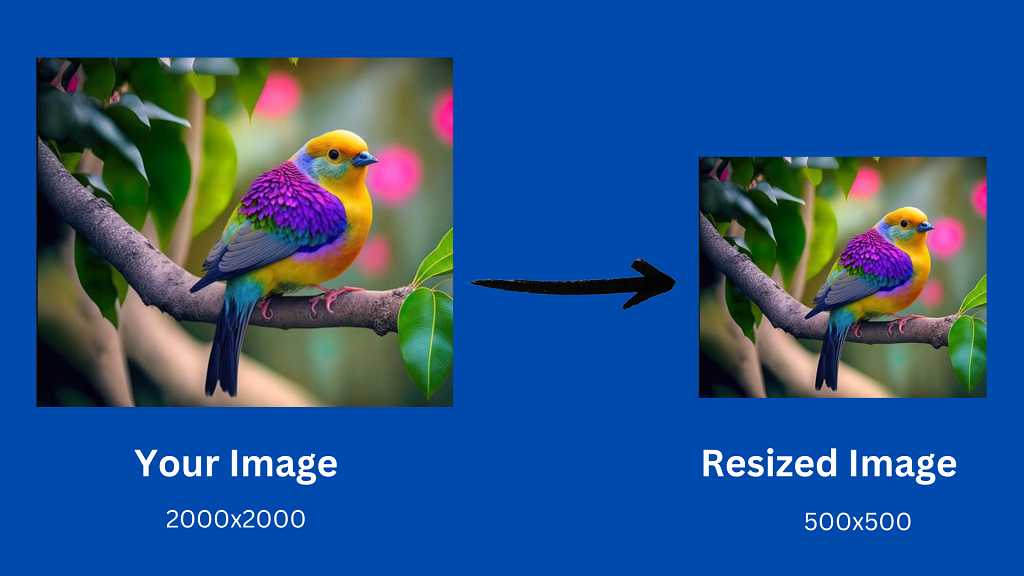
Imageresize.co.uk makes image resizing super simple. Choose a photo, set your size, and get a clean, sharp result instantly. No tools to download everything works right in your browser.
Resize your images without paying a penny. No sign-ups, no software, no hassle. Just upload your photo, choose your size, and download your resized image instantly. It’s quick, simple, and completely watermark-free.
Your images stay sharp even after resizing. Whether you’re posting online, sharing on social media, or printing, this tool helps your photos look clean and high-quality.
No need for complicated software or long steps. With our online resizer, you can resize your images in just a few seconds quick, simple, and stress-free.
Your photos are yours, and they stay that way. We don’t save, store, or share any images. Everything happens safely in your browser, and once you’re done, the image is gone. Safe, private, and secure.
Everything here is built to be easy. Upload your image, pick the size, and download it no confusing settings. Perfect for social media posts, websites, school projects, or anything else.
Need a very specific image size? No problem. Adjust width, height, aspect ratio, and more. You get complete control so your image always fits exactly where you want it.
Pick an Image Resizer
Upload Your Photo
Choose Your Size
Keep the Aspect Ratio (Optional)
Optimize for Better Speed
Check the Resolution
Download Your Image
An image resizer changes the width and height of your picture so it fits better on websites, social media, or any place you want to use it.
A small quality drop is possible when shrinking or enlarging, but our tool keeps your image looking as clear as possible.
No, everything works online in your browser. Just upload your image, resize it, and download.
Yes. Your image is processed in your browser and isn’t stored on any server, so everything stays private.
You can upload common formats like JPG, PNG, WebP, GIF, and more.
Right now, resizing works one image at a time, but it’s quick and easy.
Yes! The resizer works smoothly on all devices mobile, desktop, and tablets.
Yes, the image resizer is completely free. No sign-ups or hidden limits.
If your image looks stretched or cropped, it’s usually the aspect ratio. Try resizing both width and height evenly so the picture keeps its natural shape.
Absolutely. You can type in any pixel size and resize your image exactly how you want.